Meetings & professional interactions
Prepare for people and decisions in the room, interpret what happened, and decide what the next interaction needs to accomplish.
Illustrative application families include:
Prepare for people and decisions in the room, interpret what happened, and decide what the next interaction needs to accomplish.
Understand what different stakeholders need and who can make a decision, then choose the next move that can advance the relationship.
Fit challenge, practice, and timing to the person so they develop judgment and capability they can use on their own.
Help people understand conflicting expectations, authority, trust, and working patterns across roles and teams. Keep private development understanding distinct from authorized organizational views.
In clinician-governed products, support continuity, a correctable working understanding of the person, and review of whether the support approach remains consistent with the care plan. This is a potential application, not a claim of diagnosis, treatment, or clinical validation.
Help recurring-user products apply domain intelligence with better understanding of the person, situation, and kind of help that fits.
Reference application
When the customer says “send the proposal,” what has actually moved?
In the Northstar scenario, the customer is interested and ownership of implementation is still open. Sales Trajectory helps the seller see who can make which decision and rehearse a conversation to clarify what the customer will own.
Open the Northstar demonstration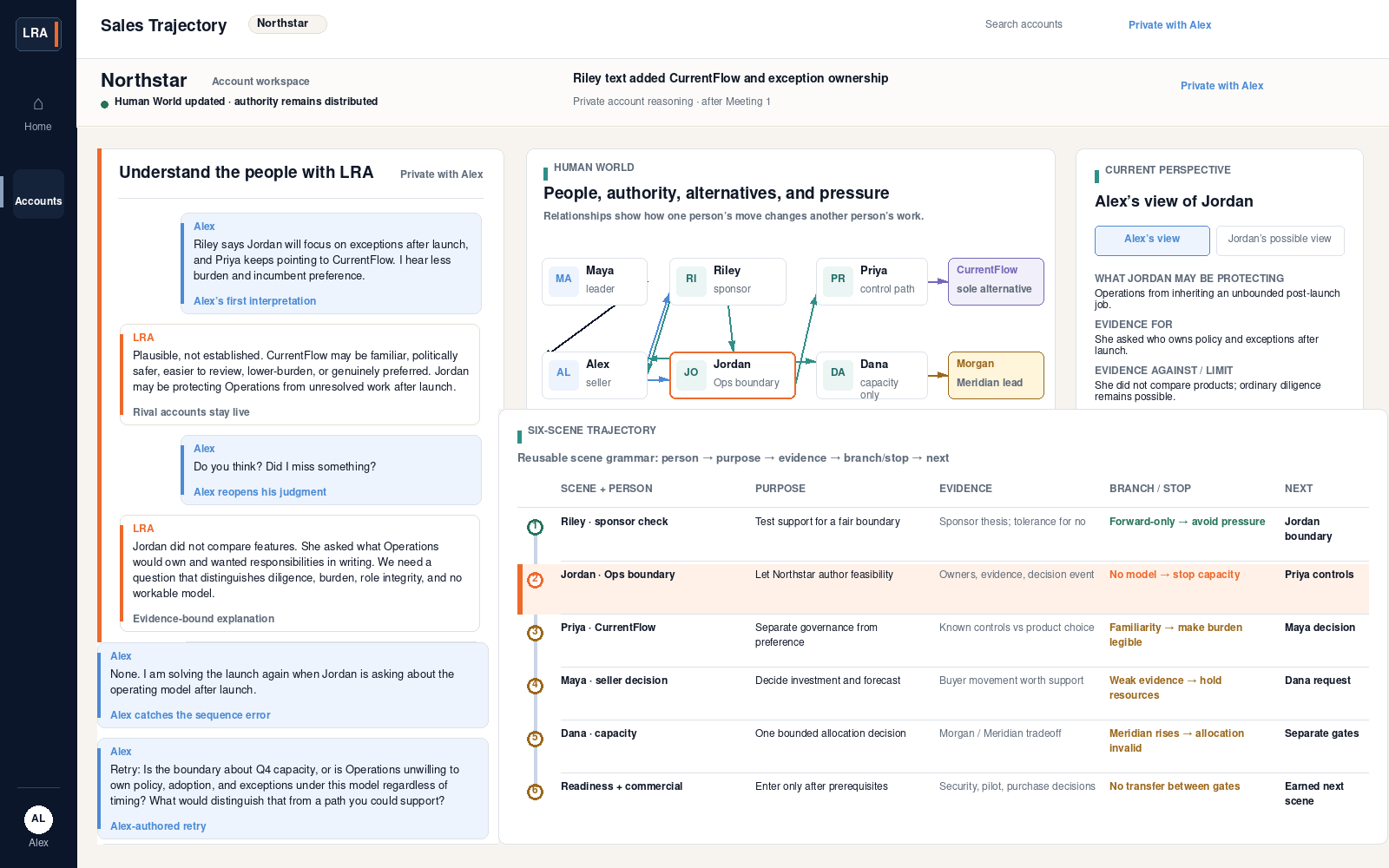
LRA Developer Toolkit
Your application requests a capability with a defined objective and permitted context. The Developer Toolkit returns the requested result and a record of what ran. lraChat and Sales Trajectory use this integration in different workflows.
SALES TRAJECTORY EXAMPLE
Illustrative public example—not a literal API schema, endpoint, or production guarantee.
You keep your model where applicable, workflow, interface, voice, brand, domain systems, and customer relationship.
A partner invokes an approved capability. These five items specify what it can use, what runs, and how that execution is recorded.
Define the objective and permitted evidence, choose an output form, and compare it with the strongest version of the current workflow.